
What you get
See your wedding newspaper, page by page.
Explore a complete four-page sample, see the details you can personalise, and find the right file for sharing or printing.
Inside the four-page edition
Four pages with a purpose.
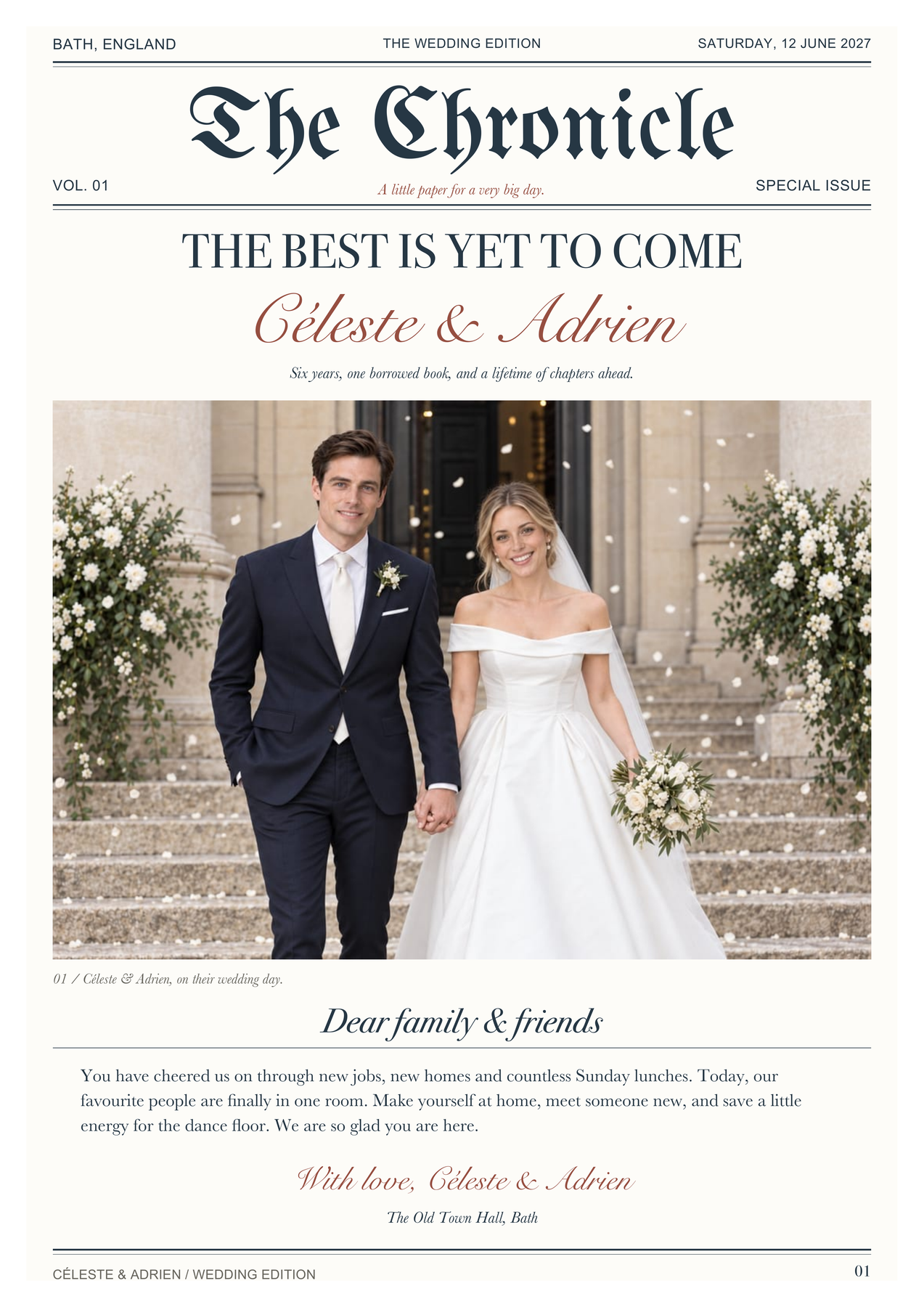
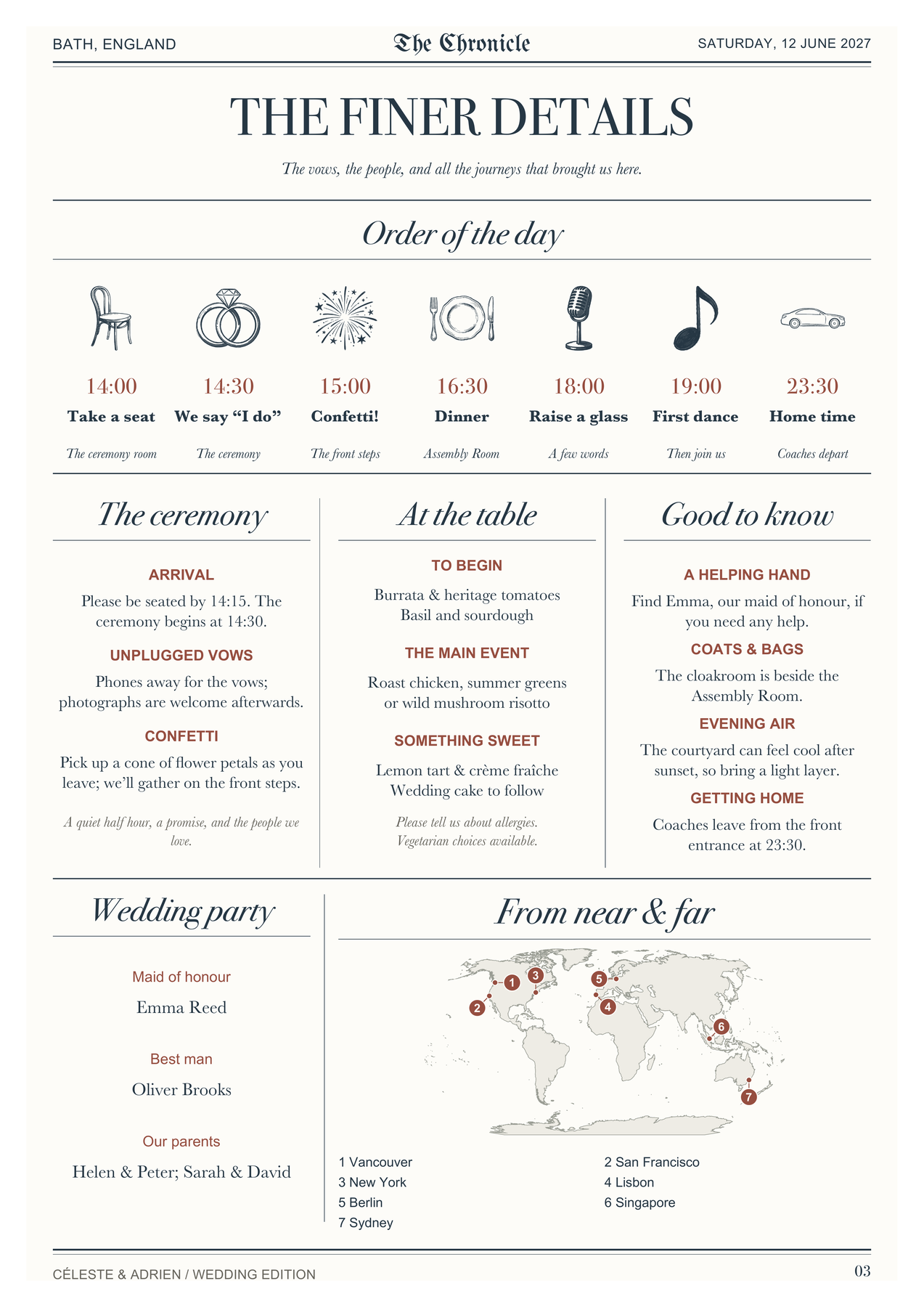
Welcome your guests, tell your story, share the day’s details and leave them with a keepsake. This example shows The Chronicle; optional features can replace one another in the same space.
Open the complete colour PDF ↗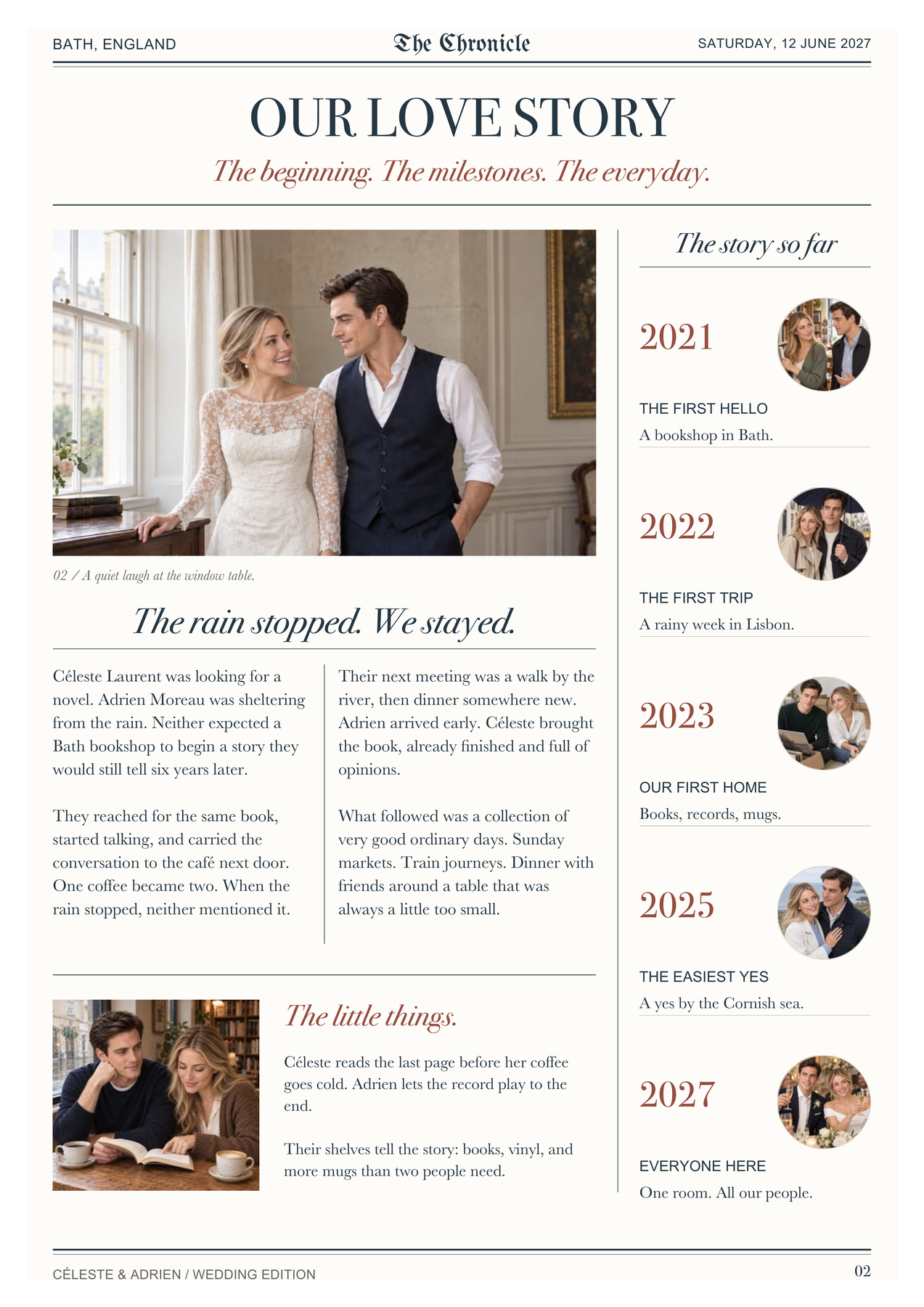

One ZIP. Everything is inside.
No design software, resizing or page rearranging.
01 · Read & share
Digital-Edition.pdf
1234
Four individual pages, in reading order. Open on a screen or send to friends.
02 · Print & fold
Print-Edition.pdf
Outside · PDF page 14 1
Inside · PDF page 22 3
Two landscape sides, already arranged. Print both on the same sheet, then fold once.
03 · Newspaper Club
Newspaper-Club-Tabloid.pdf
289 × 380 mm1234
Four CMYK pages sized for Newspaper Club. Choose Tabloid and Digital print, then upload this file.
04 · PRINTNEWSPAPER
PrintNewspaper-Tabloid.pdf
260 × 370 mm1234
Four CMYK pages sized for PRINTNEWSPAPER. Upload this file, not the Newspaper Club one — the page size is different.
One sheet. Two sides. One fold.
From your printer to their hands.
The pages are already arranged. Follow these four steps for manual double-sided printing.
Step 1 of 4
Print the outside
Open Print-Edition.pdf. Print PDF page 1 only: it already contains newspaper pages 4 | 1. Use landscape, one PDF page per sheet and single-sided printing. Turn Booklet and multiple-pages-per-sheet modes off.
First copy? Check which way your printer feeds the paper.
On a spare sheet, make a small pencil mark on the upward-facing side and an arrow pointing into the tray. Print the outside and note which face received ink and where the top of the newspaper landed. Reload for the blank face, using your printer’s manual-duplex diagram to align the tops. Print the inside and check that pages 2 and 3 are upright before making the full set. The printer shown above is schematic; tray direction is not universal.
Printer supports automatic two-sided printing? Print both PDF pages together, landscape, with short-edge binding. Keep Booklet mode off and check one folded copy first.